Extend Your Videos Infinitely [Long Form Video Beta]
Turn any clip into a full multi-minute scene by chaining actions together
We're excited to introduce Video Extensions - a powerful new feature that lets you extend any adult video with additional scenes. No more single-clip limits. Build as long as you want.
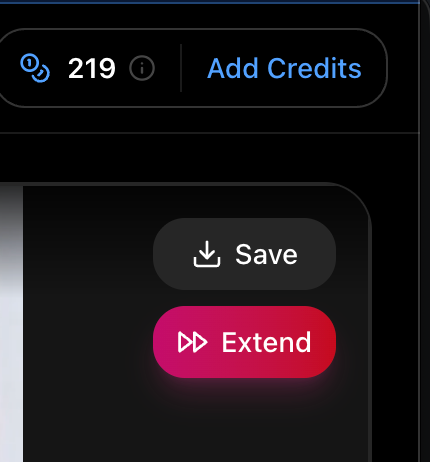
How It Works
After generating a video, click the new Extend button to open the extension modal. From here, you'll configure exactly how your scene continues.
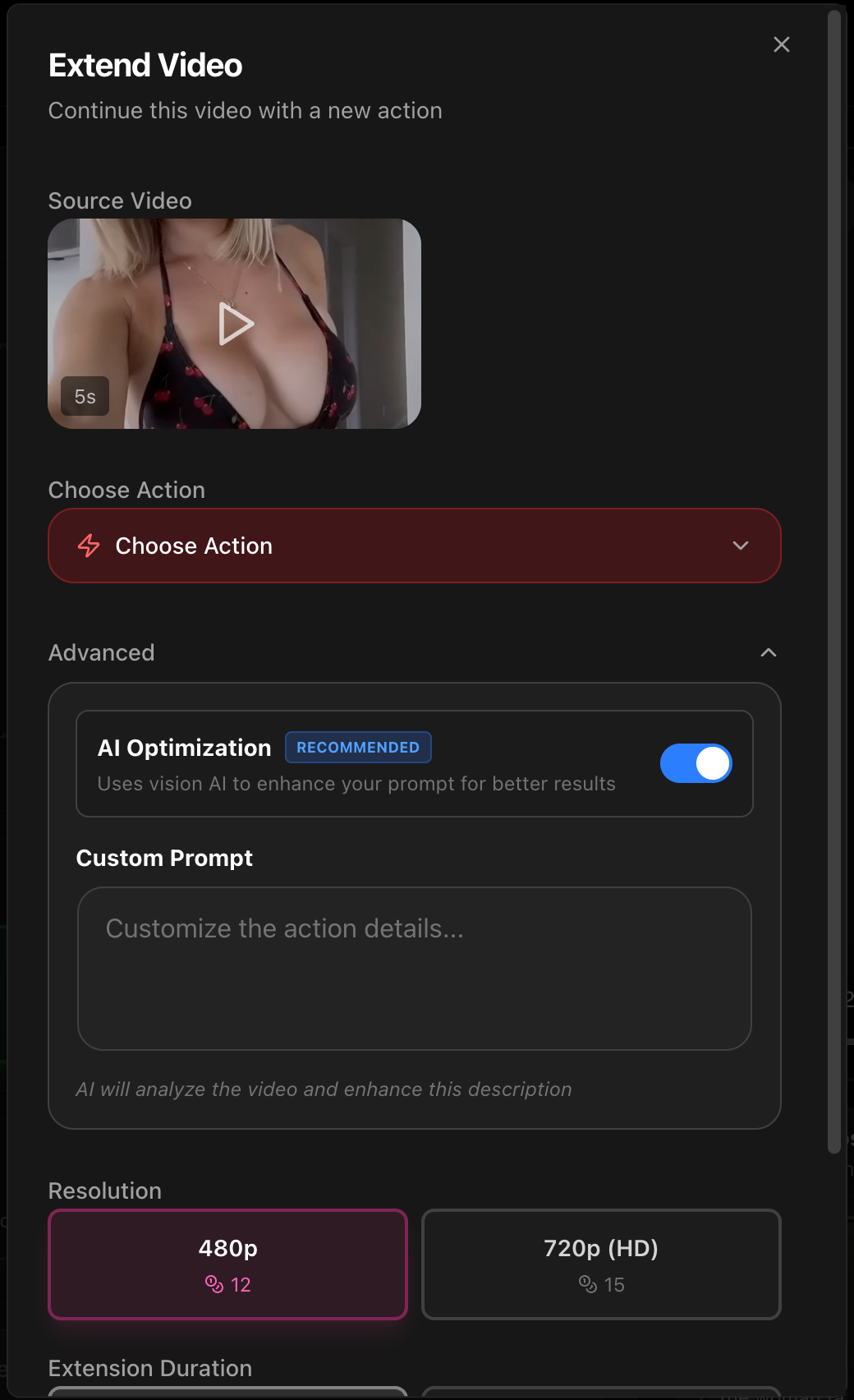
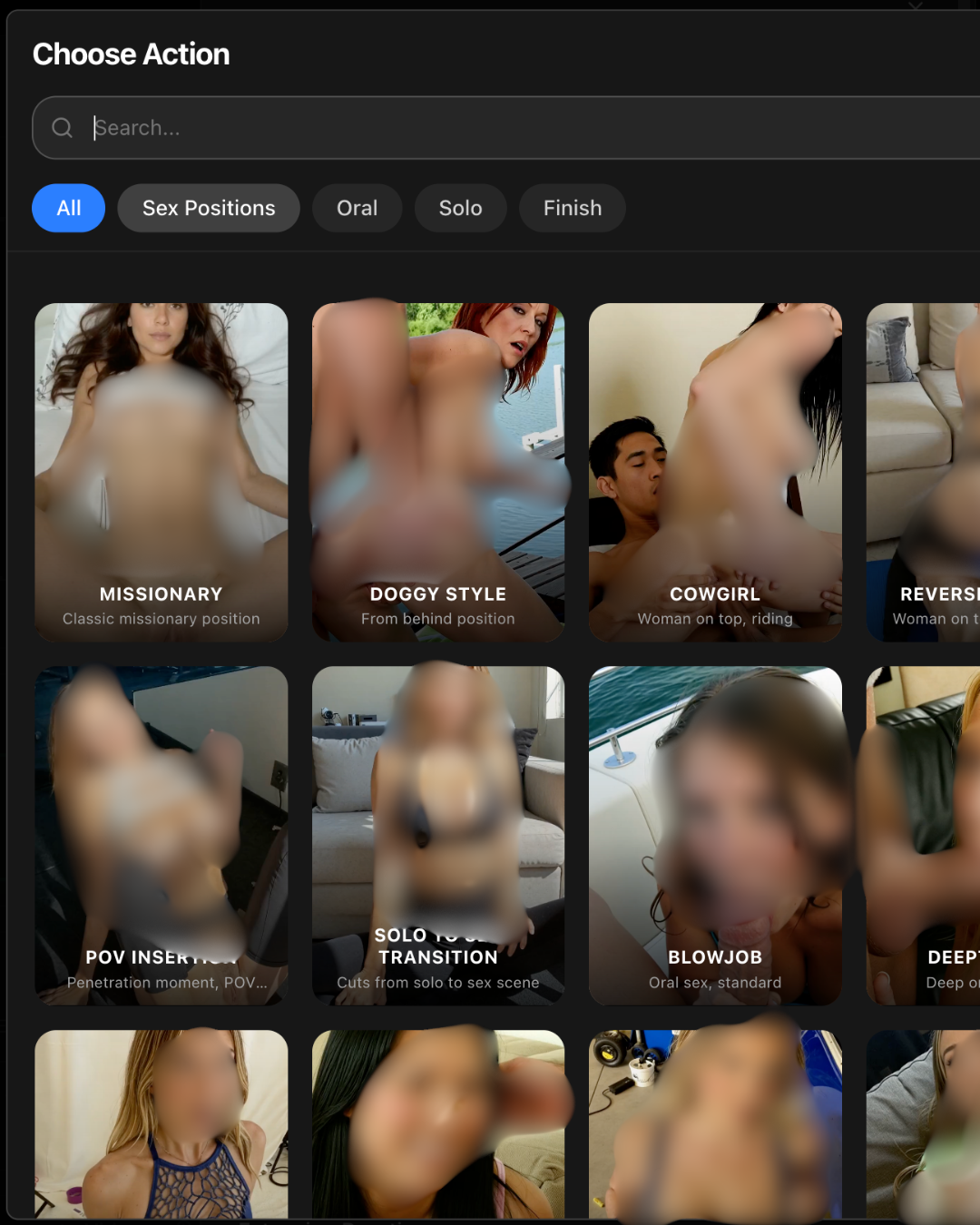
Choose Your Action
Pick any adult action to define the style and direction of your extension. All the same actions from video generation are available here.
Write Your Transition Prompt
This is the secret to seamless extensions. Your prompt should describe how the scene transitions from where it left off to the new action.
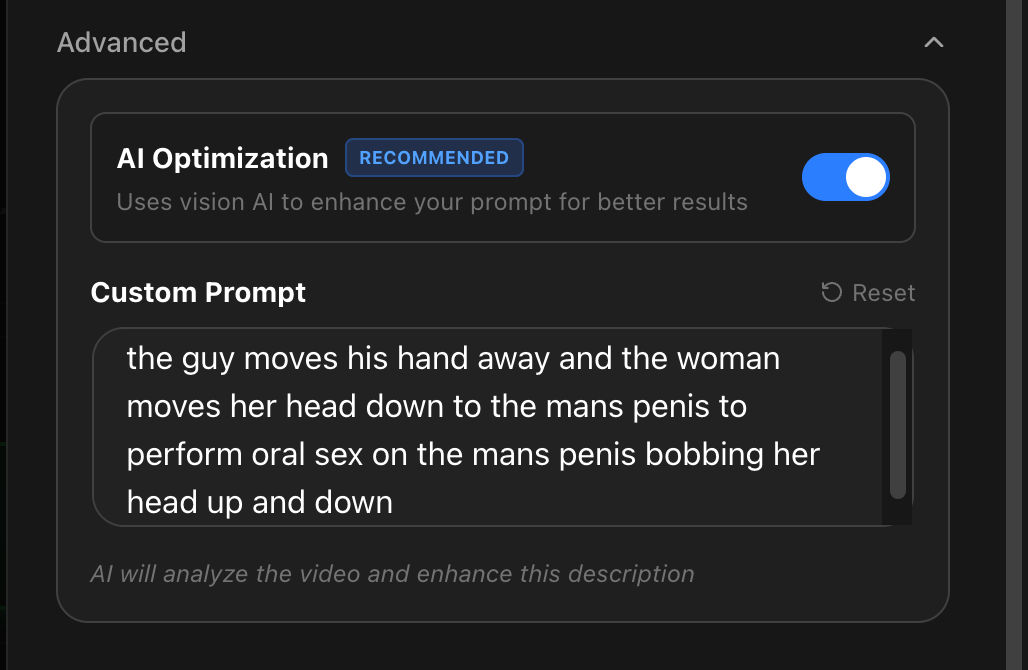
Good transition prompts:
"the guy moves his hand away as she lowers her head down"
"she turns around slowly, arching her back"
"he pulls her closer and shifts position"
Think of it like directing the in-between moment. The more natural your transition, the more realistic the final result.
AI Prompt Optimization
Leave this enabled (recommended). Our AI analyzes your source video and enhances your prompt for better scene continuity.
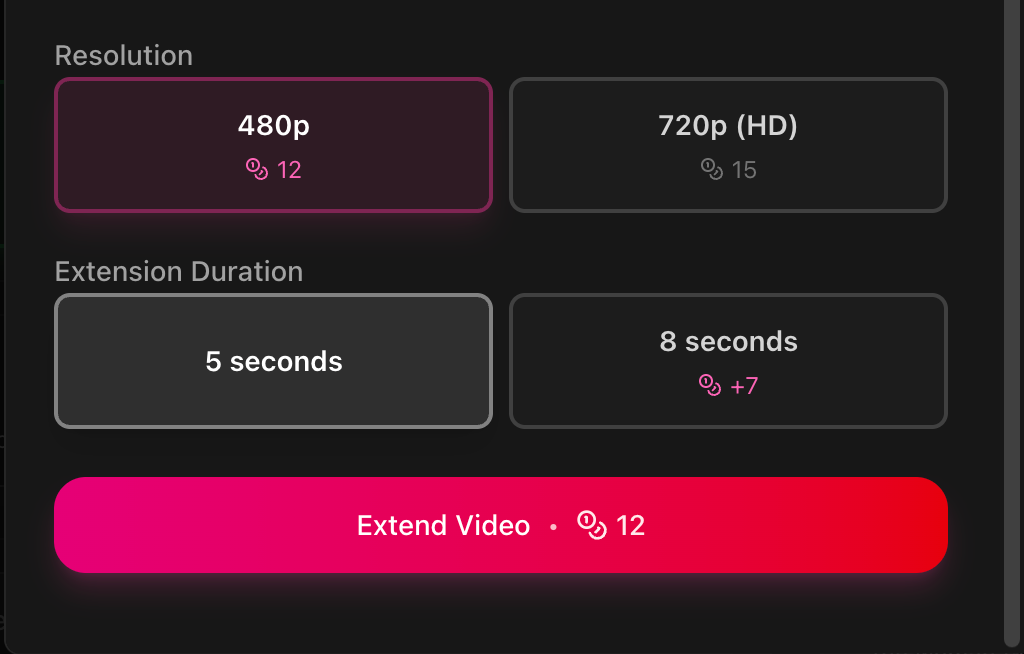
Duration & Resolution
5 seconds or 8 seconds per extension
480p or 720p resolution
Credit cost is shown in real-time based on your selection.
Pro Tips
Bridge the gap: Describe the movement that connects your current scene to the new action
Match the pacing: Slow endings work best with gradual transitions
Be specific: Include body positions and directions for cleaner results
Go infinite: There's no limit - extend as many times as you want. Quality will slightly degrade the longer the video is.
See It In Action
Here is a quick video I whipped up on my first try with the new extension.
I’m sure you all will get better results than me.
Click to View 30 Second Video Example
Cheers!
Start extending your videos today and create the scenes you've always imagined.